How to Order a Domain at Ypsilon.dev?
Booking a custom domain is the first step toward your online presence. In this guide, we show you how easily you can register your desired domain with us.
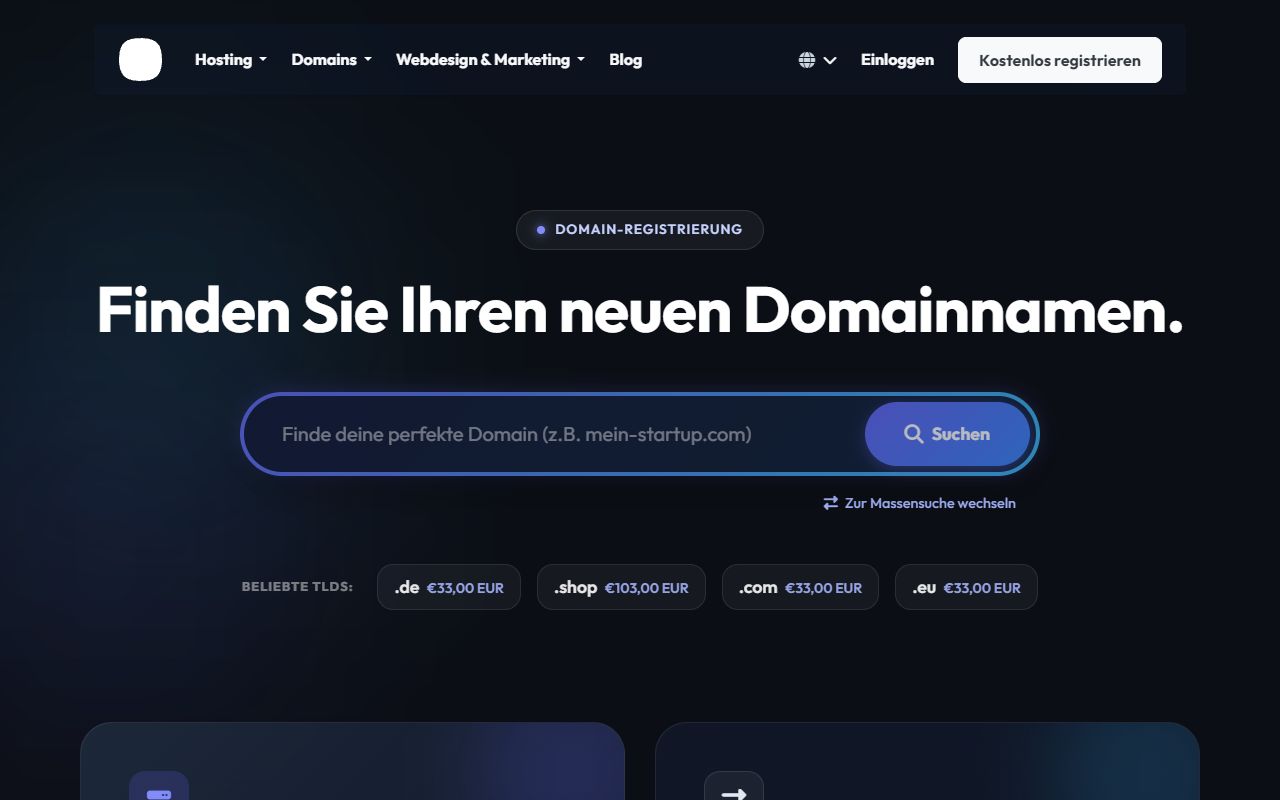
Step 1: Start Domain Search
First, navigate to the Domain Registration page. Enter your desired domain name in the search field and click Search.
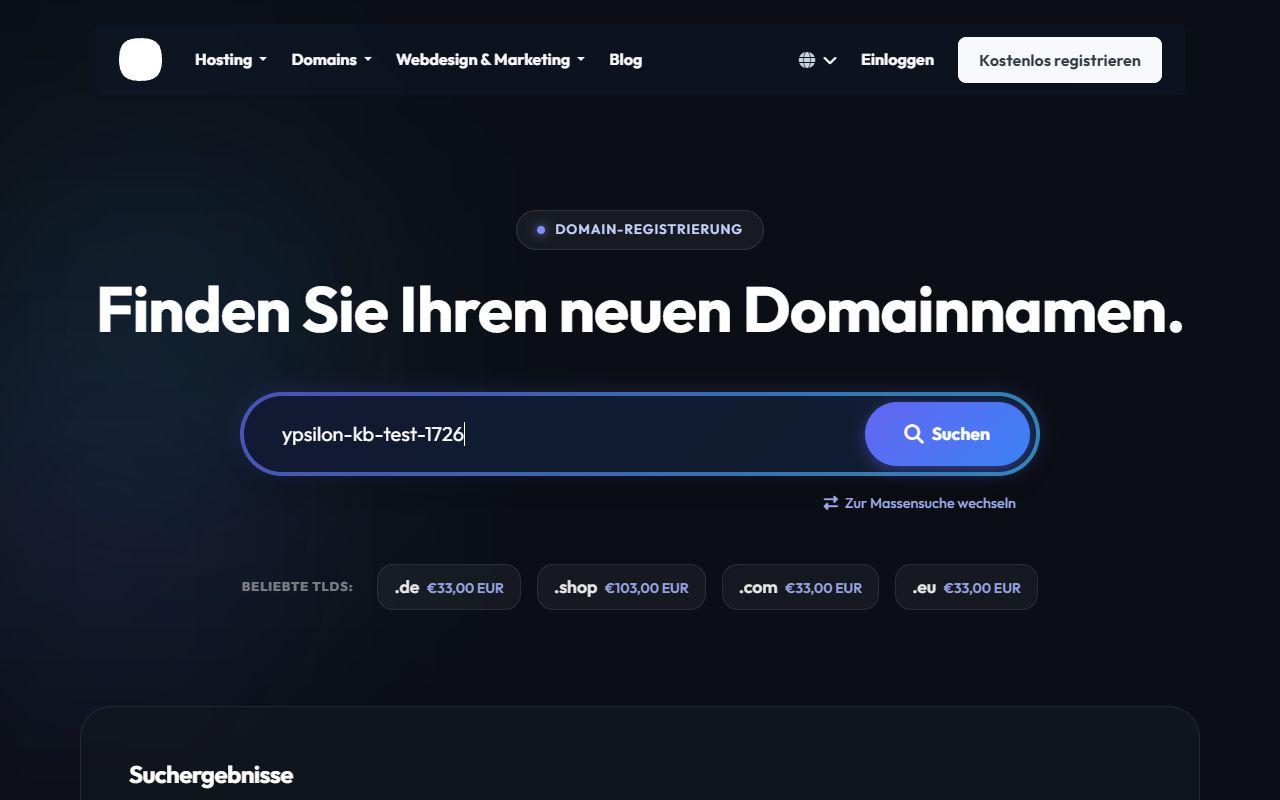
Step 2: Check Availability & Select
The system will immediately check live if your domain is available. If your desired domain (e.g., .de, .com, .net) is free, you can select it by clicking "Add to Cart".
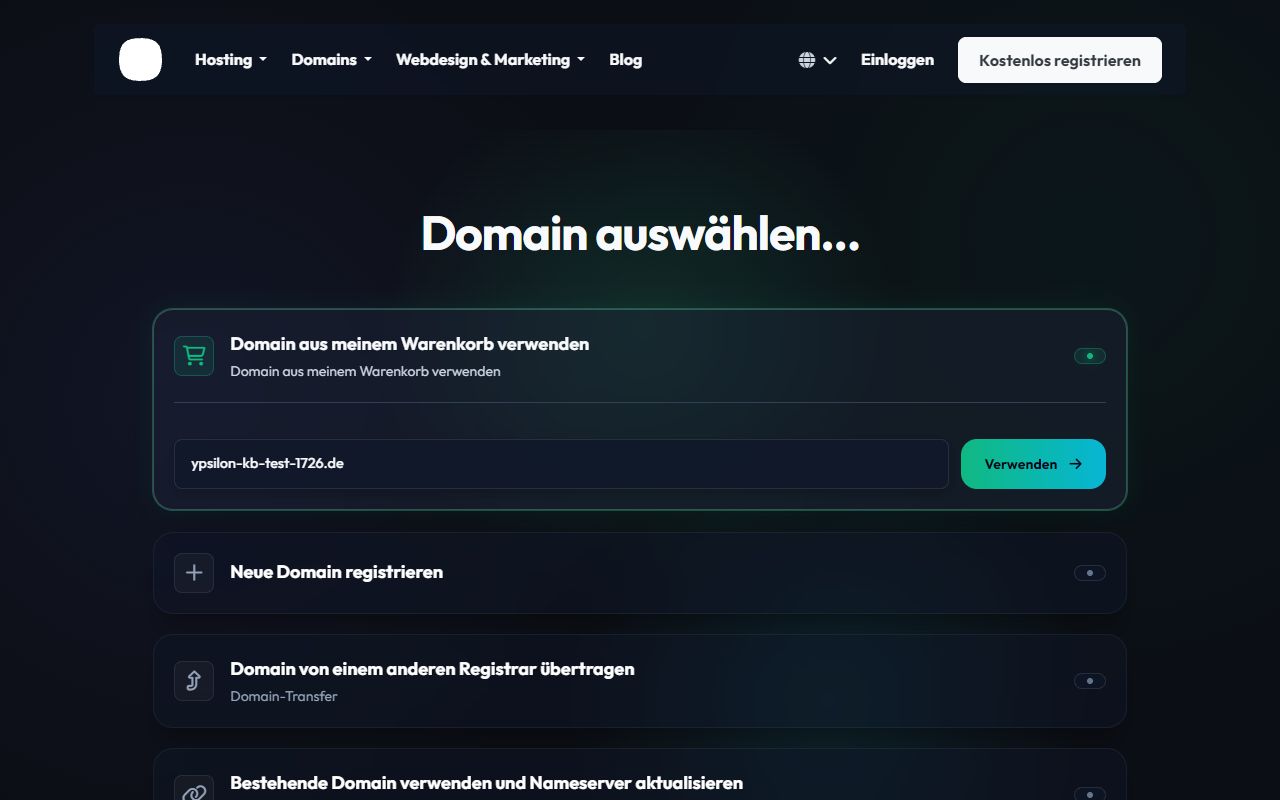
Step 3: Configuration and Nameservers
In the next step (Configuration), you can activate additional addons like ID Protection or provide your own nameservers if needed. By default, our Ypsilon.dev nameservers are active so your domain can be used immediately after registration.
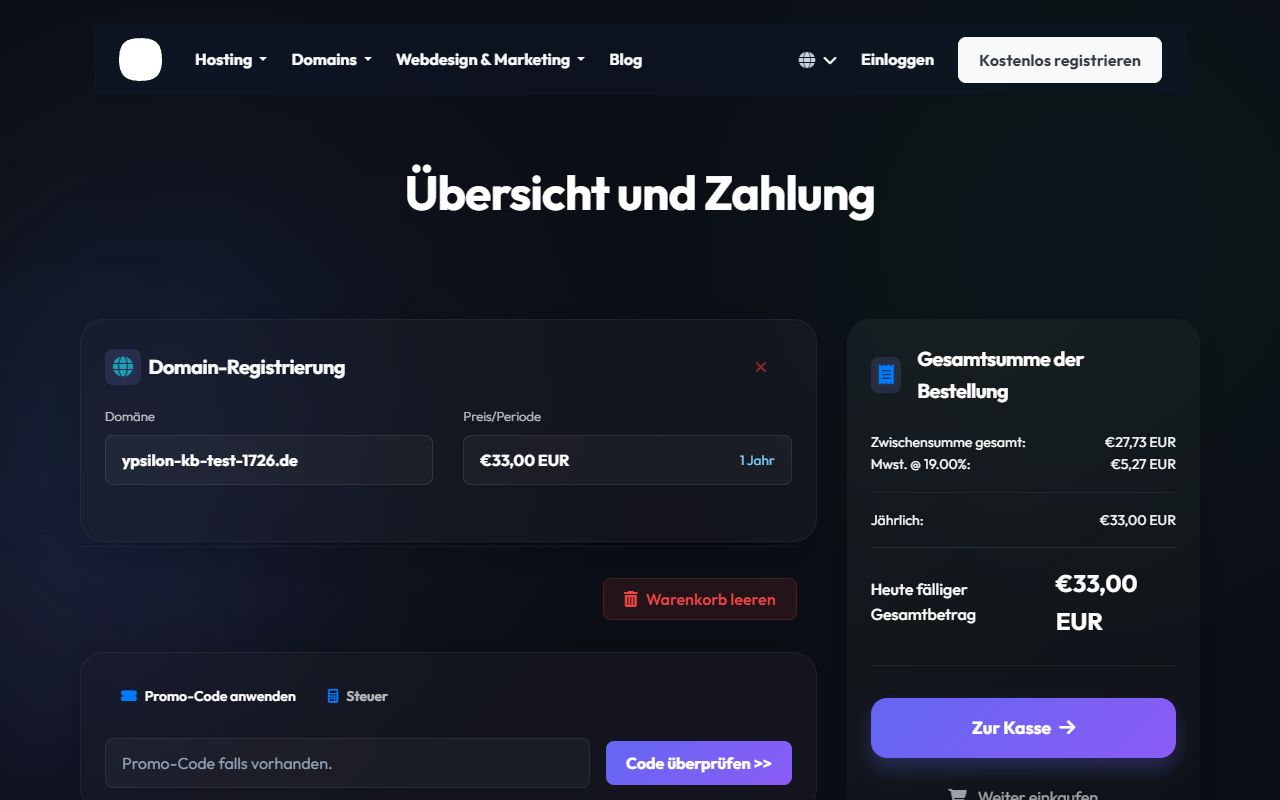
Step 4: Checkout and Completion
Finally, click "Checkout". Review your order and pick your preferred payment method. Upon receipt of payment, the domain is registered for you in real time (for most extensions)!